The honest answer is: it depends entirely on what you're actually granting access to, and whether you've checked. "Is AI safe" is too broad a question to answer usefully — the real question is narrower and more answerable: what does this specific tool do with your code, your file system, and your terminal, and can you verify that before you trust it with real work?
Here's how to actually evaluate that, instead of guessing.
01 What "giving an agent access" actually means
Before weighing risk, it's worth being precise about what's on the table. Depending on the tool, granting an AI coding agent access can mean any combination of:
- Reading your source code— the agent needs to see your codebase to reason about it.
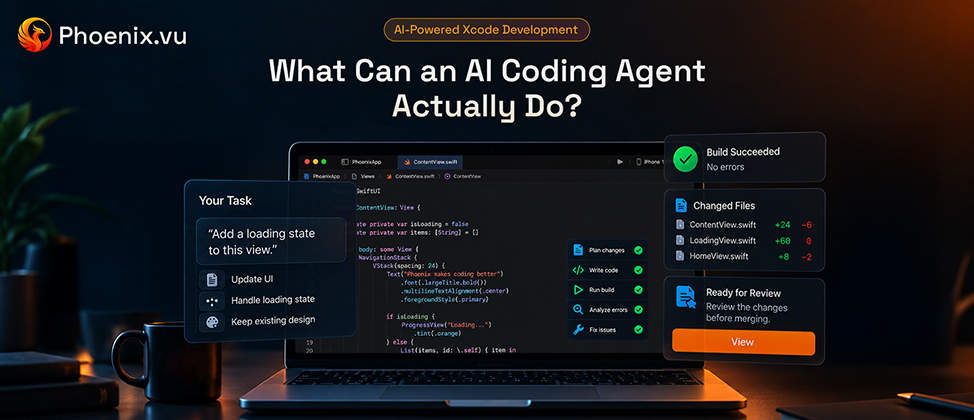
- Writing or modifying files— the actual mechanism that makes an agent useful instead of just a chatbot.
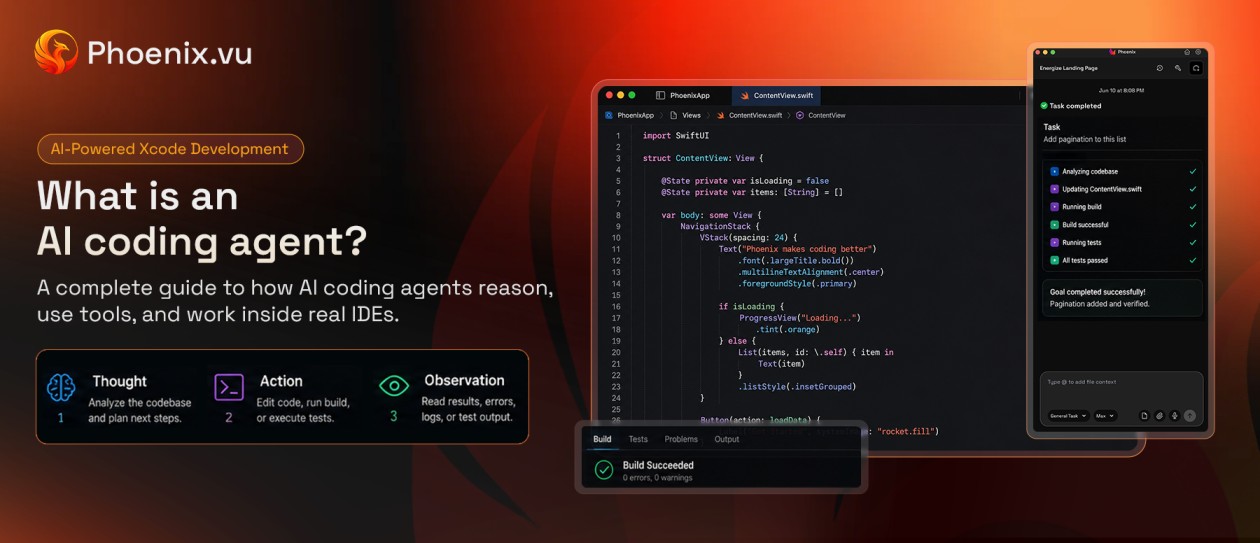
- Executing terminal commands— running builds, tests, and other shell commands as part of its loop.
- Sending context to a remote model— most agents rely on a cloud-hosted model for reasoning, which means some data typically leaves your machine, even if the scope varies enormously by tool.
None of these are inherently unsafe. They're also not inherently safe. What matters is which of them a specific tool does, how much, and whether it tells you.
02 The real risk categories
Code and IP exposure
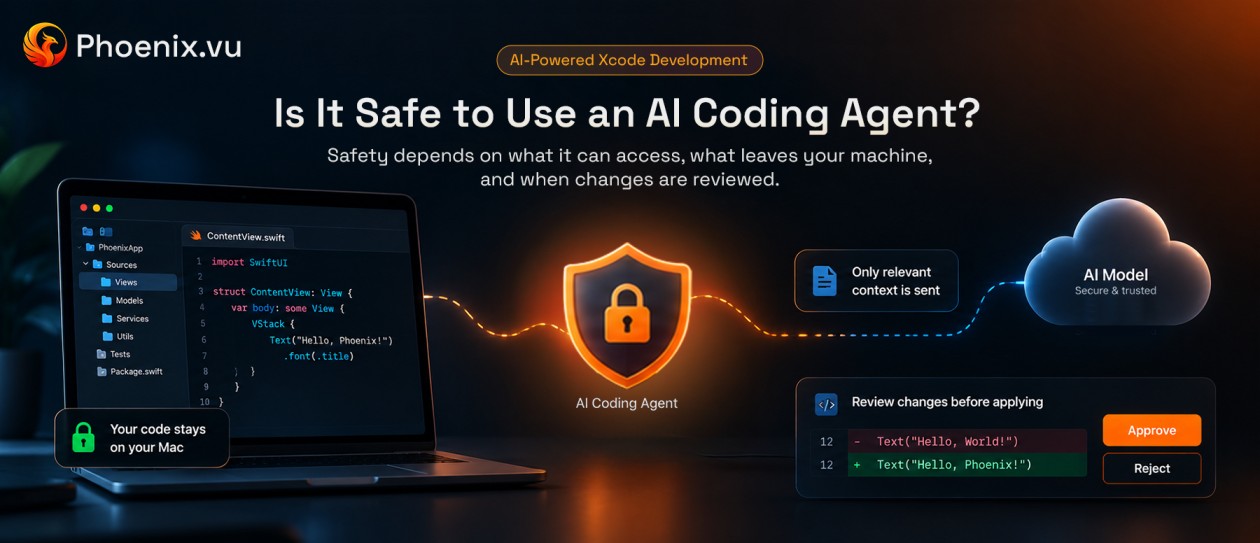
The core question: does your source code leave your machine, and if so, how much of it — the entire repository, or only the minimal context relevant to the current task? "We use AI" says nothing about this. The difference between sending a whole codebase to a remote service on every request and sending a narrow, task-scoped snippet is enormous, and it's a question worth asking directly rather than assuming either way.
Unintended or unreviewed changes
An agent with file-write access can, in principle, change more than you asked it to. The mitigating factor isn't the agent's intelligence — it's whether the tool shows you a diff before anything is applied or applies changes silently and tells you after. That single design choice is one of the biggest safety differences between tools that otherwise look similar on a feature list.
Command execution risk
Terminal access is what lets an agent run a build or a test — it's also, without the right boundaries, a path to running something destructive. A tool with meaningful safeguards will scope what commands it can run, or at minimum make command execution visible and reviewable rather than silent.
Third-party data handling
If code or context does leave your machine, it typically passes through one or more model providers. Worth knowing which provider(s), whether that data is retained after the request completes, and for how long. A tool that can answer this specifically is telling you something real; a tool that only offers "we take privacy seriously" is not.
03 A practical checklist
Before adopting any AI coding agent — not just evaluating one company's claims — it's worth being able to answer these:
- Does it show changes for review before applying them, or apply silently?
- Does source code leave the machine, and if so, is it the whole repository or task-scoped context only?
- Is that context retained by the model provider afterward, and for how long?
- Can file-system and command access be scoped or restricted?
- Is there a record of what the agent actually did during a task?
- If a task is interrupted or fails, does it leave the codebase in a broken, half-applied state, or does it roll back cleanly?
A tool that has clear, specific answers to all six is telling you something meaningfully different from one that answers in generalities.
04 Solo developer vs. team: different stakes
For a solo developer, the main exposure is usually IP: is your own code — possibly an unreleased product — ending up somewhere you didn't intend. For a team, the same questions apply plus a layer of compliance: does using a given agent violate a client contract, a data processing agreement, or an internal security policy that governs where code is allowed to go. Worth checking with whoever owns that policy before a whole team adopts a tool, not after.
05 What "local-first" actually changes
Some agents are built so that your codebase itself never leaves your machine at all — only the minimal context needed for the current inference request does, and that context isn't retained by the model provider afterward. This doesn't eliminate every risk category above (file and command access still matter regardless of where reasoning happens), but it removes the biggest one — full codebase exposure — by architecture rather than by policy.
Phoenix.vu, for Xcode, is one concrete example: source code and project history stay on the developer's Mac, and only the context required for a given task is sent out — the privacy policy sets out what that covers. It's a useful reference point for what "the codebase itself never leaves your machine" looks like as an actual design choice, whichever tool you end up evaluating against this checklist.
06 Common questions
Can an agent accidentally delete or overwrite my files?
It depends on what access it has and whether changes are reviewed before being applied — this is exactly why the diff-before-apply question in the checklist above matters more than almost anything else on the list.
Does using an AI coding agent violate my company's data policies?
Possibly, depending on the policy and the specific tool's data handling. This is a question for whoever owns that policy, not something to assume either way — especially for code under a client contract or an NDA.
Should I look for a specific security certification, like SOC 2?
It's a reasonable thing to ask about, but its absence doesn't automatically mean a tool is unsafe for solo or small-team use, and its presence doesn't automatically mean every risk category above is covered. Treat it as one data point and still ask the direct architecture questions.
Is a cloud-hosted model inherently less safe than a fully local one?
Not automatically — what matters more is scope and retention: how much data is sent, and what happens to it afterward. A cloud model receiving a narrow, non-retained snippet can be a smaller exposure than a poorly scoped local setup with broad file access and no review step.
The takeaway
"Is it safe" isn't a yes-or-no question about AI coding agents as a category — it's a checklist question about one specific tool's specific architecture. What leaves your machine, whether changes are reviewed before they land, and what a provider does with any data it sees are all answerable, verifiable facts, not marketing claims to take on faith. Any agent worth trusting with real work should be able to answer all of them plainly.