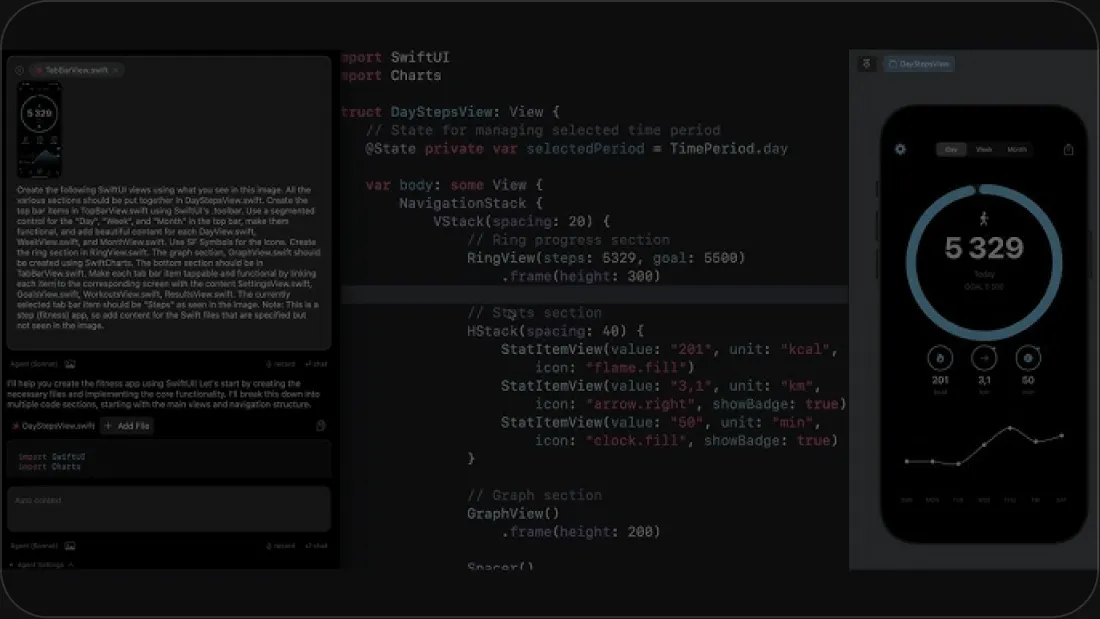
This guide walks through how to use AI in Xcode with Phoenix.vu — from account setup to generating code, fixing builds, and reviewing diffs.
Create Your Phoenix.vu Account
Create your Phoenix.vu AI account, complete the registration process, and get ready to start using the coding agent.
How to Add Credits to Your Phoenix.vu Account
Learn how to purchase and add usage credits so you can access AI models and start coding with Phoenix.vu AI.
How to Install Phoenix.vu on macOS for iOS Development
Learn how to download, install, and complete the initial setup of the Phoenix.vu AI Coding Agent on macOS for iOS development.
How to Use Phoenix.vu for iOS Development in Xcode
A complete beginner's guide to using Phoenix.vu, your SwiftUI AI assistant, for iOS development. Learn how to open Xcode projects, write prompts, generate and review code changes, approve edits, build and run your app, and make the most of Phoenix.vu AI's AI-powered coding workflow.
AI-Powered Xcode Development
Stop Copy-Pasting Between Xcode and AI
Phoenix.vu is the AI for Xcode, built directly into your workflow.